Google has started rolling out Guided Vision in Gemini Live, a feature that lets Android users share their phone camera and ask for spoken descriptions of nearby objects and scenes. It is aimed at people who are blind or have low vision, and includes voice prompts to help reposition the camera when Gemini needs a clearer view.
The feature became available on October 1, according to Google’s announcement. Android Authority also reported the rollout that day and confirmed that it works on Android 9 and newer in regions and languages where Gemini Live is supported. That gives it a broad device range on paper, though users still need access to Gemini Live and the current Gemini app and Android software.
How Guided Vision works
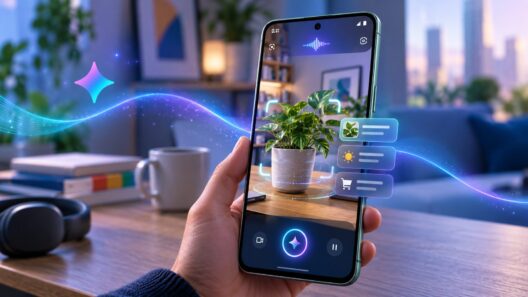
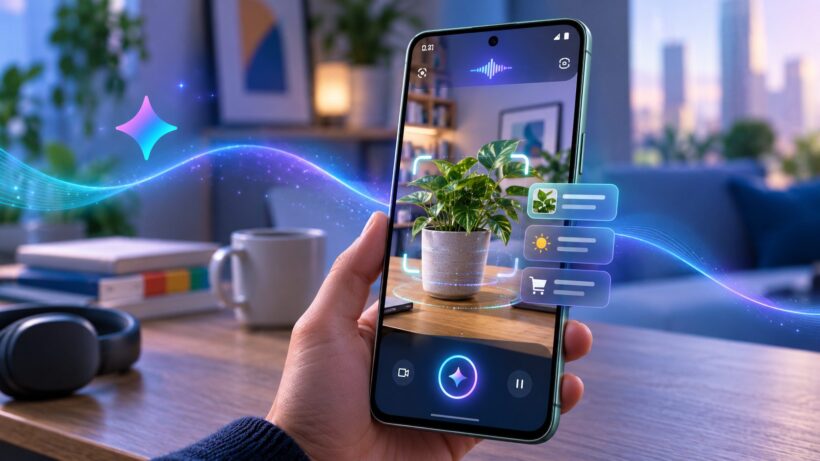
Guided Vision runs inside a Gemini Live session. The user shares the phone’s camera, listens to Gemini describe what it can see, and can ask follow-up questions in conversation. If the camera points too high, sits too close to an object or misses the subject, Gemini can suggest a correction such as panning right, tilting down or stepping back. That feedback addresses a practical problem with camera-based assistance: the user may need help knowing whether the item they want described is actually in frame.
Google’s examples include reading small print on food packaging, checking appliance controls, identifying objects and locating a dropped earbud. The feature can also describe an unfamiliar room or help distinguish clothing colors and patterns. These are everyday tasks where a quick spoken answer can save someone from having to ask another person for help. The conversation format also lets a user narrow the request, for example by asking for more detail about an object Gemini has already described.
Google says Guided Vision supports conversations in multiple languages, but its availability follows Gemini Live’s regional and language limits. The company has not published a complete list of supported languages or a device-by-device rollout schedule in the announcement, so access may vary between users even when their phones meet the Android version requirement.
Built for accessibility shortcuts
Guided Vision can be opened from the Gemini app settings, through Android’s accessibility shortcuts or from the TalkBack menu. Users can assign a shortcut to the floating accessibility button, a two-finger swipe or pressing both volume keys. TalkBack users can open its menu with a three-finger tap and select the feature there. Several entry points matter because the camera tool needs to be reachable without first navigating a visual interface. Each shortcut opens the same Gemini Live feature, giving users more than one way to start a camera-based session.
Google says it developed the feature with Aira, an assistance service for people who are blind or have low vision. The company says it used tens of thousands of hours of visual interpretation to train Gemini Live for real-world conversations. More than 1,000 members of Aira’s Trusted Tester network helped test and refine it across daily routines, while Aira specialists worked on safety guardrails. That testing can shape how the tool responds, but it does not establish that its descriptions will be accurate in every setting.
Useful assistance, with limits
Google cautions that Guided Vision can make mistakes. It is not intended for navigation, obstacle detection or safe-travel guidance, and it is not a replacement for a white cane or other mobility aid. The distinction is important: describing a scene when asked is different from reliably warning someone about a hazard that may move or appear outside the camera’s view. People should keep using established mobility tools and safe-travel practices.
Because Guided Vision works through Gemini Live, users must choose to share their camera during a session. Google’s announcement does not specify how long camera data is retained or give feature-specific data-handling details. Users should consider that before pointing the phone at private spaces, documents or other people.

Sooraj Raj is a programmer, blogger and professional developer with an interest in technology research and publishing. He writes about technology developments and shares information in a clear, straightforward way.